Key takeaways
- Pause raids immediately after major patches until your cheat and spoofer vendors confirm status.
- Verify build version, loader compatibility, and config resets before returning to high-value extractions.
- Treat the first post-patch session as a test raid — not a stash push.
Season patches in Arc Raiders do not just reshuffle weapon balance and map loot tables. They often move anti-cheat boundaries, break loader compatibility, and reset the assumptions behind every config you spent hours tuning. Players who treat patch day like a normal raid night lose accounts, waste hardware resets, and blame tools that simply were not verified yet.
A post-patch workflow is not optional for anyone running advantage software. It is the difference between sitting out one evening and rebuilding an entire setup from scratch. This guide covers what to do when updates drop, how long to wait, what to verify before relaunching, and how to ease back into extractions without unnecessary risk.
What Season Patches Actually Disrupt
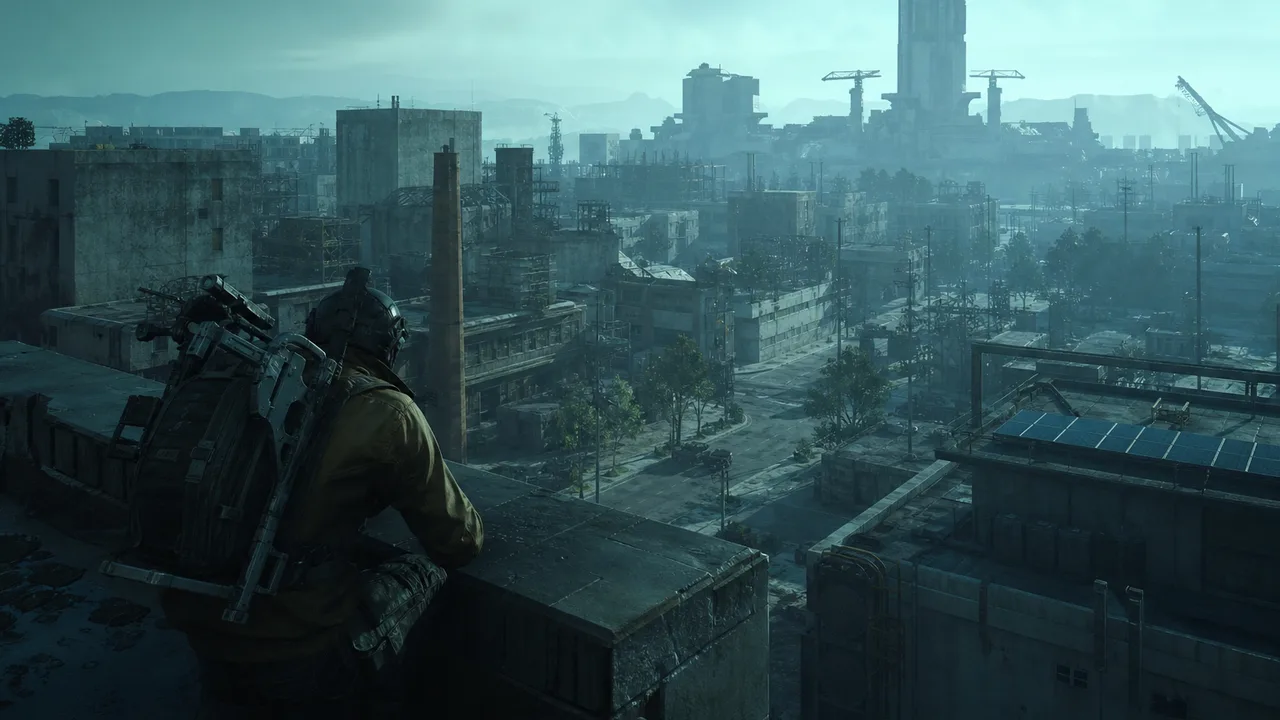
Arc Raiders patches typically ship in layers. Balance changes alter TTK, movement, and loadout viability. Content updates add zones, items, or seasonal modifiers. Underneath both, anti-cheat and client integrity updates can change what third-party software can safely hook without detection.
From a meta perspective, you might need new routes and weapon pairs after a patch. From a setup perspective, you might need a new build, a config reset, or a full pause until your provider publishes a verified status. Confusing those two jobs is how players jump into raids with yesterday’s software on today’s client.
The First Hour After a Patch Drops
When a season or hotfix patch lands, run this sequence before opening the game with any tools loaded:
- Read the official patch notes — note anti-cheat mentions, kernel changes, or integrity updates even if they are buried in technical sections.
- Check provider status — changelog, Discord pin, or support page should state whether the current build is safe, testing, or down.
- Download any new build — do not reuse an old loader because it worked last week.
- Hold high-value accounts — do not be the first live test subject on your main session.
- Snapshot your old config — export or screenshot settings before resetting; some values will need rebuilding from scratch.
If status is unknown, stop. Unknown means down until confirmed. Guessing on patch day has worse expected value than waiting for a verified green light.
Verifying Builds Before You Queue
Once a provider marks a build as updated, verification still belongs to you. Confirm the file hash or version matches what they published. Run the loader without joining a raid first — check that injection completes, menus open, and ESP renders in a safe environment if the product supports offline or practice verification.
Walk through your config category by category. Patches often reset FOV limits, break loot filter lists, or shift overlay positions. A half-broken ESP layout is worse than no ESP because it feeds false confidence.
If you use hardware protection, check whether the spoofer vendor also posted patch-day status. Anti-cheat updates can affect identifier handling independently of cheat builds. Our HWID Spoofer page and cheat tiers both track maintenance expectations — use them as part of the same checklist.
Post-Patch Meta vs Post-Patch Software
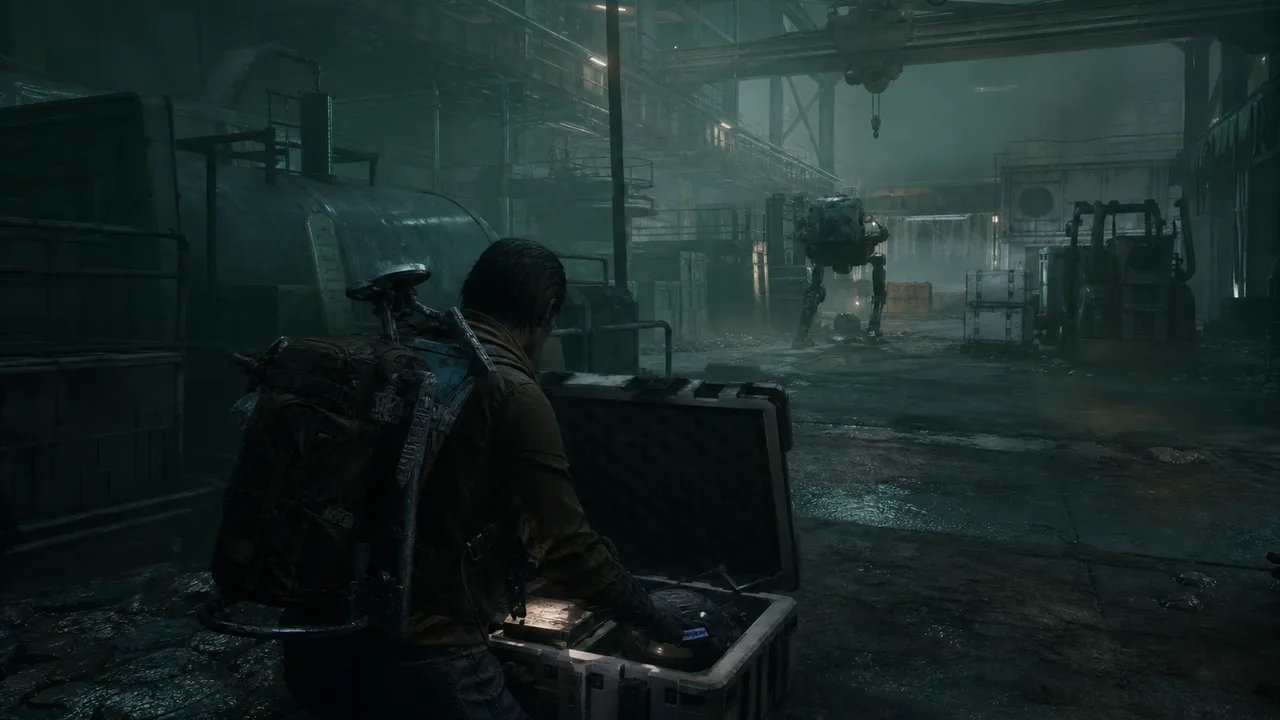
These timelines rarely align. You might figure out the new dominant loadout on day two from community data while your software vendor needs four days to ship a stable build. Conversely, a fast cheat update does not mean the new AR buff is already solved in your config.
Separate the workstreams:
Meta adaptation — watch extraction rates by map, early-exit strategies, and weapon pick shifts. Our Season 1 meta analysis is a baseline; patch notes overwrite parts of it each cycle.
Software adaptation — wait for verified builds, reset configs, test behavior in low-stakes raids.
Trying to solve both simultaneously on patch night overloads decision-making and leads to sloppy settings.
Config Reset Checklist
After every major patch, assume these categories need review:
- ESP distance and filter thresholds — new map assets can break old loot lists.
- Aim smoothing and FOV — weapon handling changes alter what looks natural.
- Radar scale and opacity — UI shifts can misalign overlays.
- Hotkeys and toggle states — loader updates sometimes clear bindings.
- Profile slots — confirm you are loading the intended preset, not a corrupted save.
Document what changed when you find a fix. Future patches will go faster if you know which settings broke last time.
When to Pause Longer Than One Evening
Some patches justify multi-day breaks:
- Kernel-level anti-cheat changes with no vendor statement after 48 hours
- Widespread community reports of detection spikes on the same build version
- Loader crashes affecting multiple users on the same Windows build
- Combined spoofer and cheat downtime where only one layer recovered
Patience is cheaper than recovery. If your provider goes silent, that is a signal about long-term reliability — not just a single bad patch.
Recovering After a Bad Post-Patch Session
If you launched on an unverified build and something went wrong, treat recovery as a full reset — not a quick relog. Stop raiding immediately. Document what loaded, which patch version was live, and what behavior looked off.
Hardware-linked issues may require spoofer redeployment before any new account touches the game. Behavioral flags may require config audits and toned-down settings even after a clean build returns. Do not stack fixes blindly; isolate variables one at a time.
Building a Repeatable Patch Workflow
Experienced players keep a literal checklist pinned:
| Step | Action |
|---|---|
| T+0 | Patch detected — stop scheduled raids |
| T+1h | Read notes, check vendor status |
| T+24h | Re-check if status was “testing” |
| Green | Download build, verify version, reset config |
| Test | One low-stakes raid |
| Live | Resume normal schedule with documented settings |
Automation helps: enable provider Discord notifications, subscribe to changelog feeds, and keep a spare config profile labeled post-patch-safe with minimal features ready to load.
Season-Long Habits That Reduce Patch Pain
Maintain fewer, better-tuned features instead of maxing every category. Bloated configs take longer to rebuild and hide which setting broke. Prefer providers with public maintenance history over sellers who only appear when sales are slow.
Keep one eye on blog updates for meta shifts and setup guides as seasons progress. Patch survival is half software discipline, half knowing when the map meta moved under your old routes.
The Real Goal of Post-Patch Discipline
Patch survival is not about fear. It is about keeping the same session viable across an entire season instead of burning it on the first unstable evening. Verified builds, reset configs, and test raids sound slow — but they are faster than rebuilding accounts, hardware profiles, and confidence from scratch.
When Arc Raiders moves forward, move with it deliberately. The players who extract consistently after patches are usually the ones who paused when everyone else queued.