Key takeaways
- Exclude the cheat overlay from capture at the loader or OBS layer — never rely on hope.
- Keep on-screen ESP minimal so your layout stays readable if exclusion fails once.
- Treat every stream as a public test; overlays that look fine in-game can still leak in VODs.
Streaming Arc Raiders while running overlays is a different problem than playing privately. Your viewers do not need to see player boxes, loot filters, or aim FOV rings — and you do not need the stress of checking every VOD frame for a leaked line drawing across a wall. Stream-safe setup is not about hiding dishonestly from your audience forever. It is about separating what helps you play from what your broadcast should show.
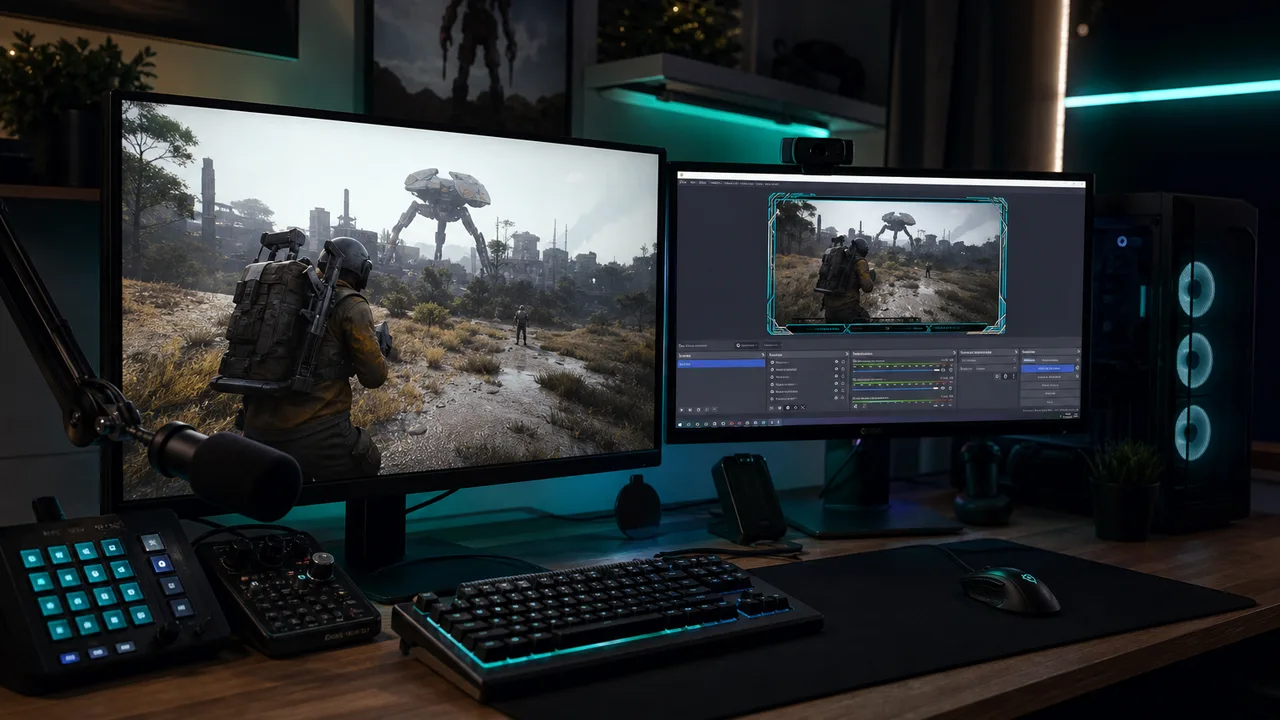
Most failures are boring technical mistakes: Game Capture grabbing the wrong layer, a second monitor preview exposing the menu, or a Discord screenshare picking up the overlay because exclusion was never enabled. This guide covers visibility basics, capture hygiene, and conservative on-screen rules that pair well with low-profile settings.
What Stream-Safe Means in Practice
Stream-safe means your broadcast shows the game as spectators expect it — without ESP boxes, skeleton lines, radar widgets, or loader watermarks baked into the recording. It does not mean Arc Raiders cheats are risk-free on stream. Anti-cheat, platform enforcement, and viewer reports are separate channels. You are solving a capture and visibility problem here.
Think in two layers:
- Exclusion layer — software or OBS settings that prevent the overlay from entering the encode pipeline.
- Visibility layer — how subtle your on-screen elements are if exclusion fails or you clip the wrong monitor.
If you only fix layer one, you are fragile. If you only dim ESP, you are still fragile. Strong stream hygiene uses both.
Loader and Overlay Capture Exclusions
Most Arc Raiders cheat loaders expose a capture-related toggle — language varies by build, but you are looking for options that mark the overlay as excluded from desktop duplication, OBS Game Capture, or similar APIs. Enable that before launching the game, then verify with a local recording.
Verification loop:
- Start the loader and enable exclusion if available.
- Launch Arc Raiders and open a minimal ESP profile.
- Record thirty seconds with OBS Game Capture — not Display Capture unless you know the implications.
- Scrub the file for boxes, text, or FOV rings.
- Repeat after every loader or cheat update.
Tier differences matter. Xray keeps overlays relatively light — fewer floating widgets to leak. Pro and Private add menus and combat HUD elements that are easy to leave on screen accidentally. After any settings change, re-run the recording test.
If your loader does not document capture behavior, assume nothing is excluded until proven otherwise. Check support docs or the setup checklist for first-session verification steps.
OBS and Broadcast Tooling
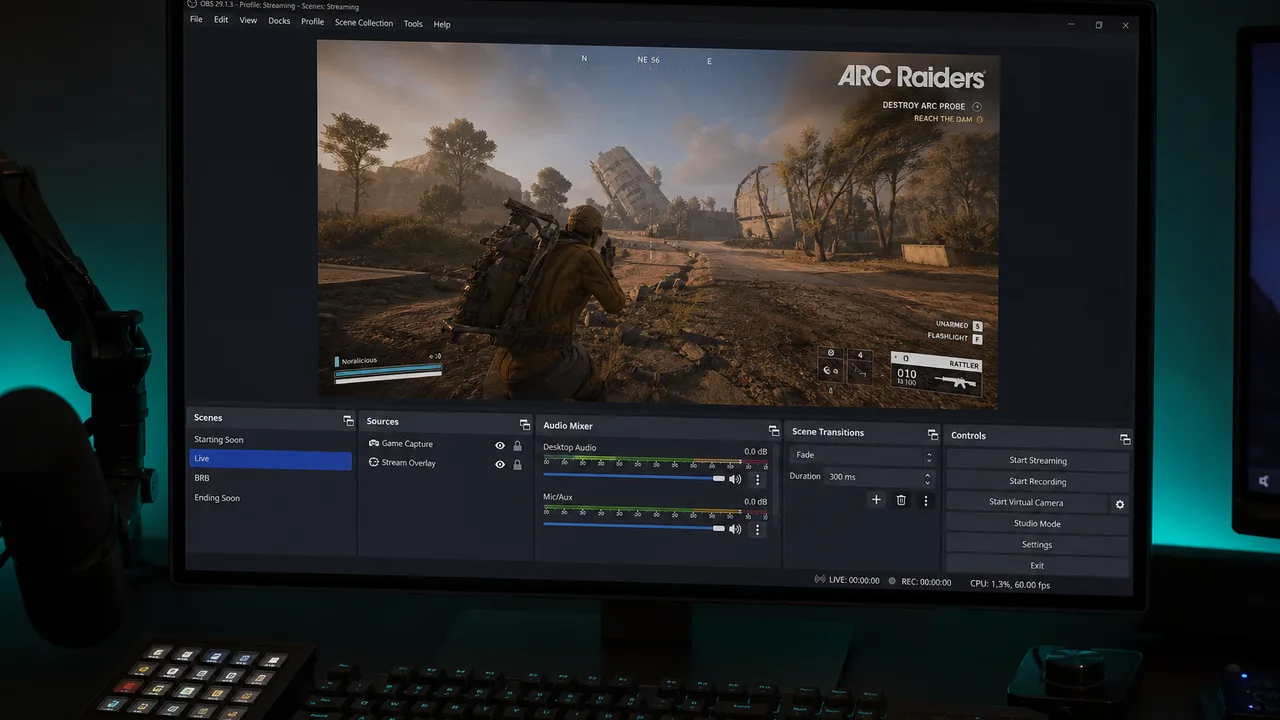
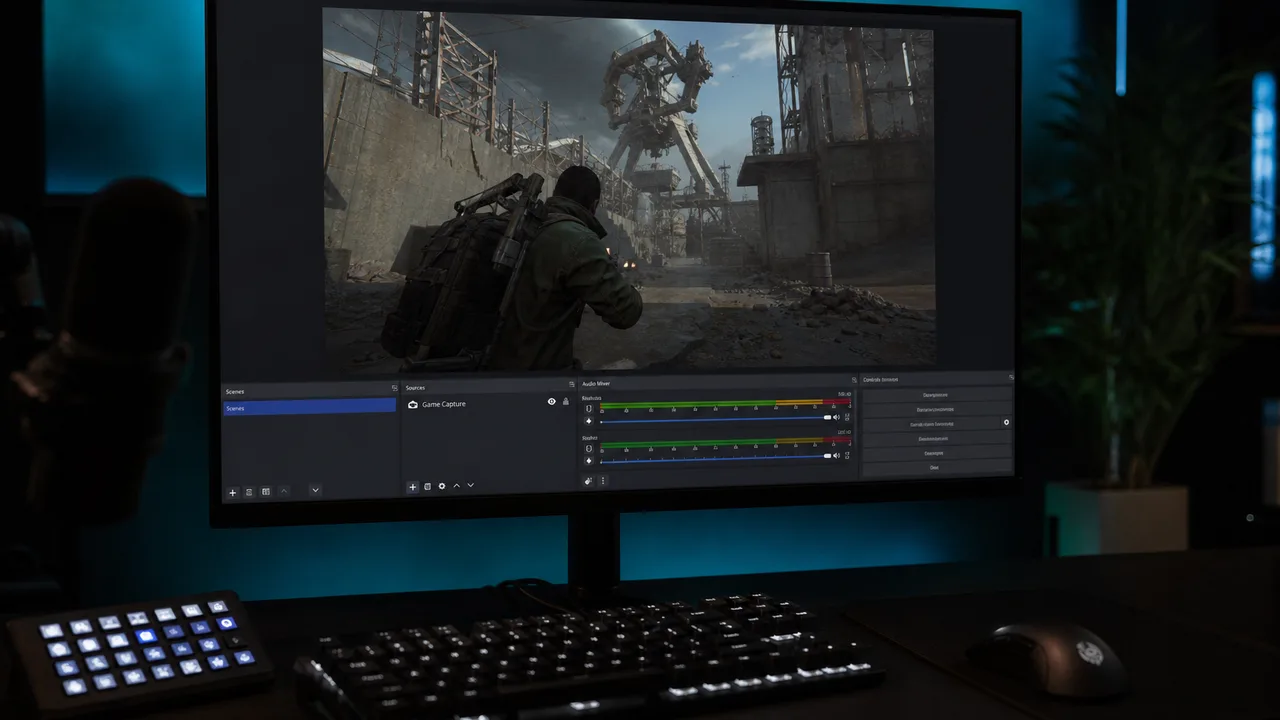
Game Capture is usually the right default for Arc Raiders streams. Display Capture grabs compositor layers indiscriminately and is the fastest way to leak overlays sitting above the game frame.
Practical OBS habits:
- One Game Capture source per game instance — avoid stacking captures.
- Do not show the cheat menu on the same monitor you stream unless exclusion is confirmed.
- Hide preview-only scenes that contain desktop or browser panels with loader tabs.
- Use a hotkey to blackout or switch scenes if you must open settings mid-stream.
Streamlabs and other forks follow the same rules. Hardware capture cards mirroring a full desktop also see whatever is on that desktop — exclusion at the overlay level still matters.
On-Screen Visibility Rules
Even with exclusion enabled, keep ESP visually quiet. Stream-safe visibility guidelines:
- Distance caps so fewer elements render near map edges where compression artifacts draw attention in VODs.
- Corner boxes instead of thick 3D shells that can ghost into compressed footage.
- Loot filters so only high-value items highlight — less clutter if a single frame slips through.
- No giant FOV circles unless your build can hide them from capture entirely.
- Menu discipline — open loader settings only on a non-captured display.
These overlap with conservative gameplay configs. If you have not tuned that yet, read low-profile cheat settings before your next broadcast.
Players who also run Cloud DMA for hardware-isolated reads still need clean OBS hygiene. DMA removes some on-PC overlay risk, but streams can expose map callouts, web radar browsers, or second-device habits if you verbalize or screen-share the wrong window.
Audio, Chat, and Second-Screen Leaks
Visual capture is half the battle. Stream-safe also means:
- Not narrating exact player positions your chat cannot see legitimately.
- Keeping Discord screen shares on a monitor that never shows overlay or loader UI.
- Avoiding “clipped that guy through the wall” moments that invite manual review.
Your audience is not the only audience. Platforms archive VODs. Treat accidental verbal leaks the same as visual ones.
Tier-Specific Streaming Notes
Xray — Best starting point for streamers who need ESP without stacking combat HUD noise. Verify loot and player ESP exclusion once per patch.
Pro — Adds aim and trigger overlays that are high risk on stream. Disable on-screen FOV and trigger indicators even if capture exclusion claims support.
Private — Deep menus mean more ways to leave a widget enabled. Build a stream profile with fewer categories and no debug overlays.
Compare tiers on the cheats hub before committing to a broadcast workflow tied to a specific build.
Testing Checklist Before Every Stream
Run this list when you update anything — game patch, loader, OBS, or GPU driver:
- Overlay capture exclusion enabled in loader
- Local OBS recording shows clean gameplay
- ESP profile uses distance and loot filters
- Menu and loader open only on non-streamed monitor
- Discord and browser shares use safe displays
- Hotkey scene or blackout ready for mid-stream fixes
First-time setup should follow the full cheat setup checklist so you are not debugging capture and loader install in the same hour.
When Streams Still Go Wrong
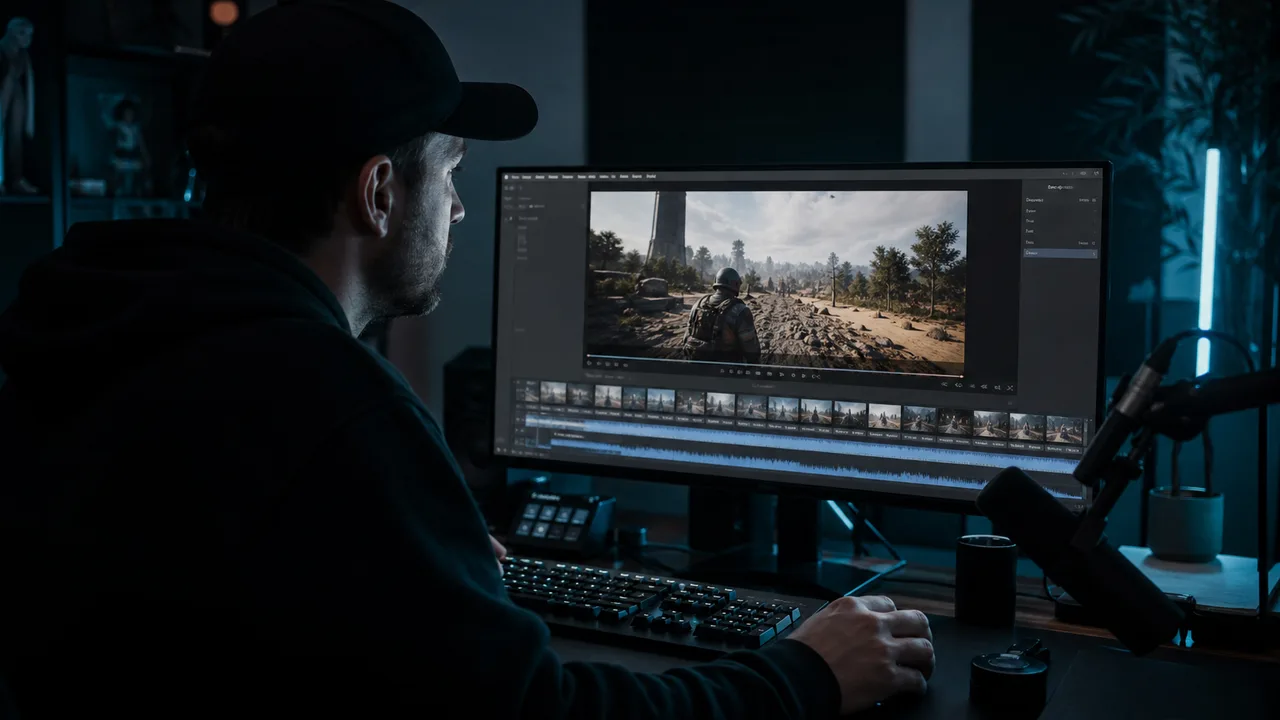
Exclusion can break after updates. OBS can revert capture mode. A new dual-monitor layout can put the wrong window in focus. If you discover a leak mid-stream, switch scenes, end the broadcast, fix the pipeline, and re-test offline.
Do not treat “nobody noticed” as proof. Small channels still get reports. Large channels get frame-by-frame analysis. Stream-safe overlays are maintenance, not a one-time checkbox.
For broader risk context — anti-cheat, behavior, updates — read EAC and cheats. Streaming does not replace honest security expectations.
Keep the Broadcast Clean
Arc Raiders rewards awareness whether you stream or not. Stream-safe overlay work makes sure that awareness stays on your screen, not in your audience’s recording. Exclude capture at the source, keep ESP minimal, separate your monitors, and verify with local recordings every time something updates.
Pair visibility discipline with the right cheat tier and support products from the products lineup only when they fit your infra — not because more tools automatically make streaming safer.
Browse more setup guides on the blog or start with the cheats guide if you are new to the stack.