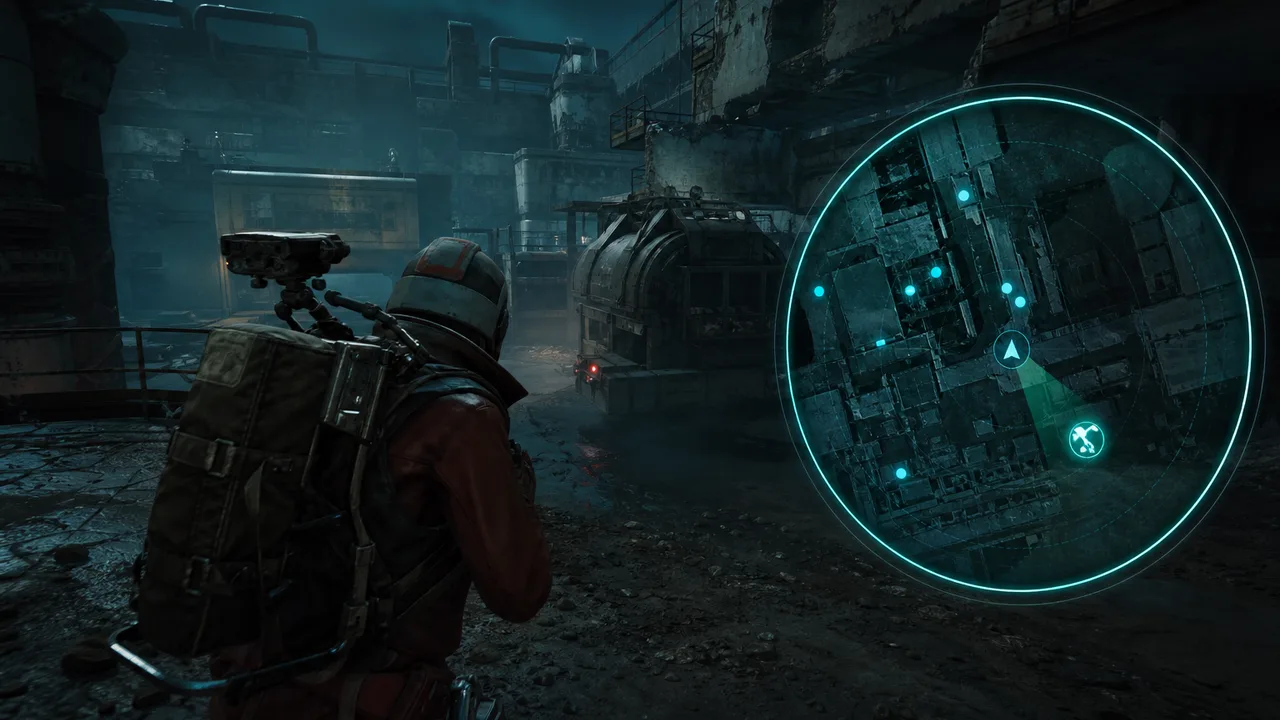
Key takeaways
- 2D radar excels at third-party compass reads boxes alone cannot provide
- Separate player and drone layers — mixed icons create false rotations
- Zoom and opacity matter more than radar size on screen
- Radar complements player ESP; it should not duplicate every on-screen box
On-screen boxes tell you what is in front of your crosshair. 2D radar tells you what is happening around you while you stare at a container, a stairwell, or an extract channel. In Arc Raiders — where third parties live in the blind arc between buildings and crane shadows — that difference is not cosmetic. It is the gap between extracting with a full bag and donating it because someone walked in from 70 degrees off-axis while you were reading loot.
This guide covers radar styles, player versus drone layers, zoom and positioning, and how to integrate 2D radar with box ESP without doubling visual noise. If your foundation player ESP is not readable yet, fix that in the ESP guide before adding radar. Radar multiplies good awareness; it cannot fix unreadable boxes.
What 2D Radar Solves That Boxes Do Not
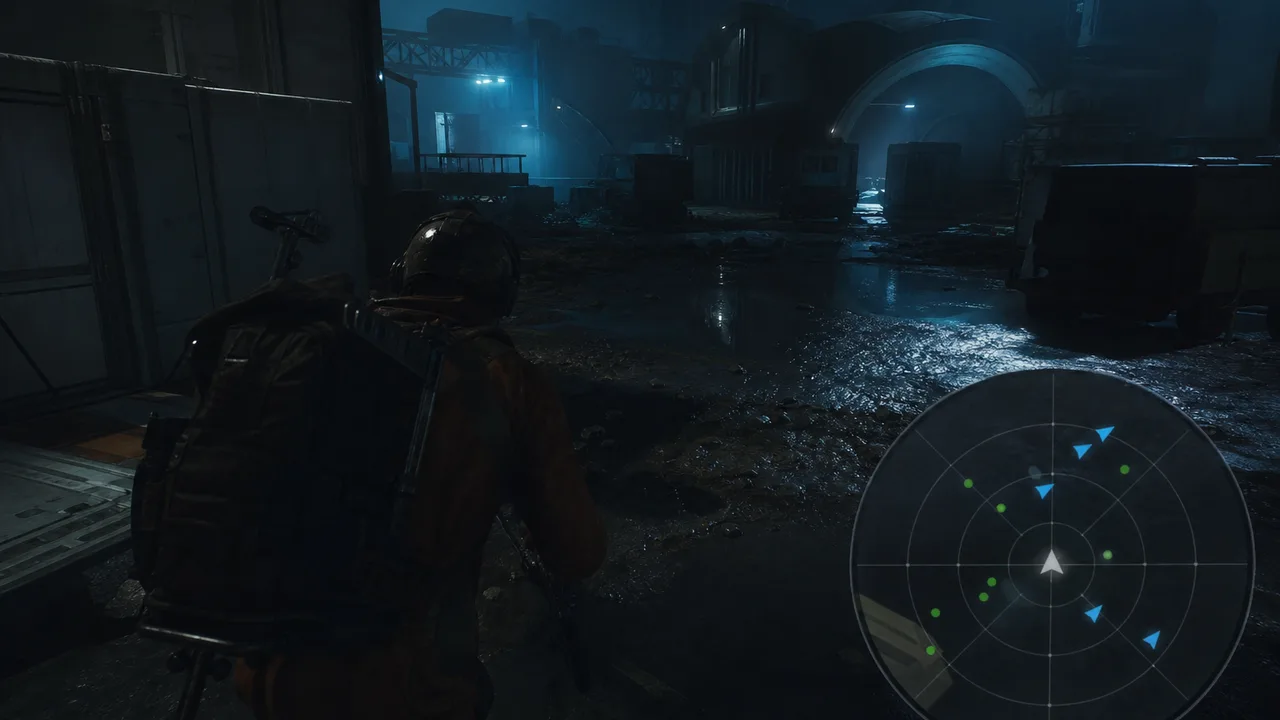
Player box ESP is screen-space. It answers “is someone in my view frustum?” Radar is plan-space. It answers “is someone rotating toward my position from a flank I am not currently rendering?”
Critical radar wins in Arc Raiders:
- Compound interiors — you hear movement but cannot see lines yet; radar shows approach bearing
- Extract camps — multiple ingress angles while you watch one lane
- Crane decks and multi-level yards — vertical fights confuse screen boxes; top-down bearing clarifies
- Loot commitment moments — three seconds on a container is enough for a flank if you lack compass context
Radar does not replace audio. It backs up audio when industrial ambience, drone combat, and squad comms compete for attention. Treat radar as a compass with memory, not a second minimap mod from a different game genre.
Radar Styles — Circle, Square, and Edge Anchors
Most menus offer circular or square radar with configurable size and screen anchor.
Circular radar — natural bearing reads; players intuit clock positions (“contact nine o’clock”). Best default for solo and squad.
Square radar — slightly more screen-efficient; corners can distort distance perception at edges. Works if you anchor it carefully and keep icon size modest.
Edge placement:
- Bottom-left — common for right-handed mouse users; keeps killfeed side clearer
- Top-right — avoids ability UI clutter on some resolutions; test your HUD scale
- Avoid center-bottom — blocks foot visibility and interact prompts in CQB
Size discipline: radar should fit in peripheral vision, not demand focal vision. If you stare at radar every five seconds, shrink it and raise icon contrast instead of enlarging.
Opacity around 70–85% usually survives bright outdoor zones without washing out indoors. Seasonal lighting patches may require one-click contrast tweaks — same habit as box ESP after updates in season patch survival.
Player Layer vs Drone Layer
Mixing players and ARC drones on one undifferentiated radar layer is how farmers rotate into machine swarms they thought were raiders — or miss human blips buried in PvE noise.
Separate layers with distinct icons or colors:
| Layer | Priority | Typical use |
|---|---|---|
| Players | Highest | PvP routes, extract holds, contested wings |
| ARC drones | Medium | PvE farm clears, bunker descent timing |
| Optional loot | Low | Usually better on screen ESP than radar |
During loot phases, disable drone radar unless you are actively clearing a PvE pocket. During rotation phases, enable player radar at full sensitivity and drones only if pathing through machine-heavy surface zones.
The ARC enemy ESP guide aligns on-screen drone markers with radar logic — consistent colors across layers train faster reactions.
Zoom, Range, and False Confidence
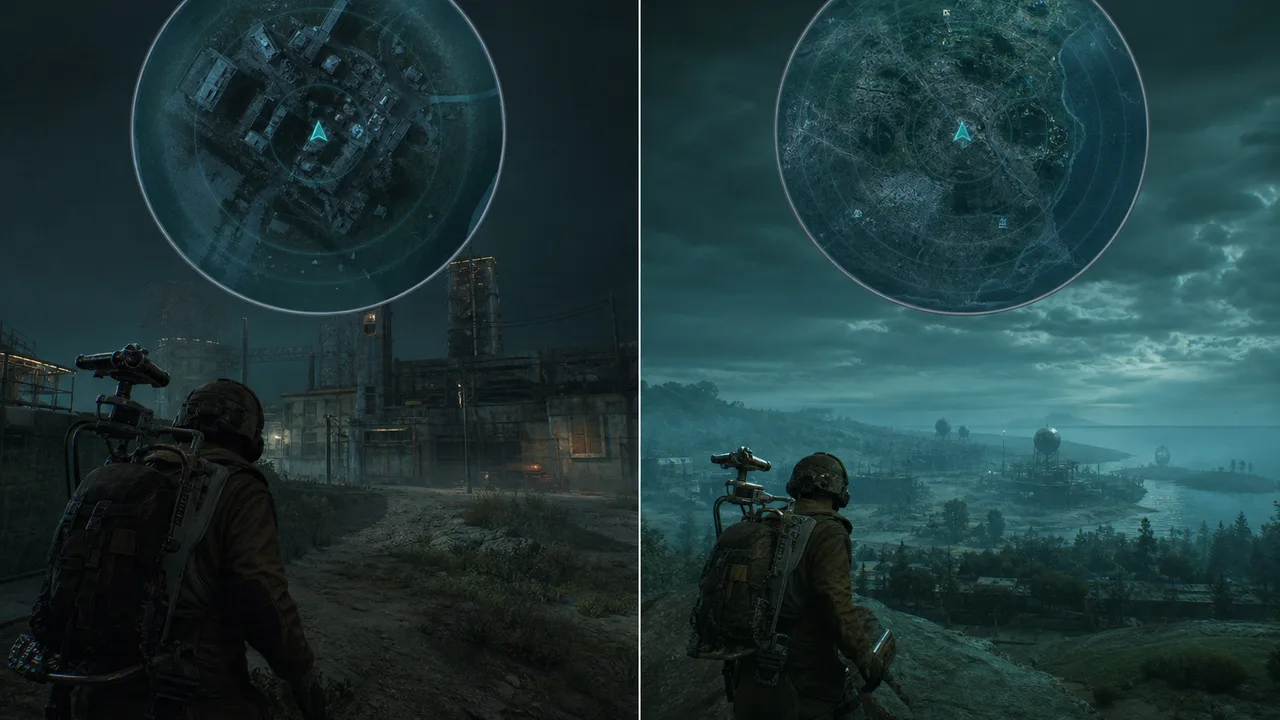
Radar zoom is not “bigger map good.” Wide zoom shows icons that feel far away but arrive in seconds on Arc Raiders movement speeds. Tight zoom hides long rotations until it is too late.
Starting zoom philosophy:
- Indoor / compound — tighter zoom, emphasize 40–80m bearing changes
- Surface rotation — medium zoom for 80–150m ingress reads
- Open yard hold — slightly wider zoom if you expect long flanks — pair with PvP positioning ESP thinking
Combine radar range with player ESP distance limits. If boxes render at 200m but radar shows 300m icons, you will rotate early for threats boxes already communicated — wasted attention. Align ranges unless you deliberately want radar-only long bearing hints.
Pairing Radar With Box and Skeleton ESP
Ideal stack:
- Corner boxes + distance for screen-space identification
- 2D radar for off-screen bearing and third-party timing
- Skeleton / head markers optional for duel precision — skeleton ESP guide
Avoid duplicating every box target on radar with oversized icons — double blips for the same entity train hesitation. Radar icons should be smaller and simpler than screen overlays.
When radar shows a blip and boxes do not, stop looting and reposition before you hard-ADS a container animation. That habit alone wins extractions.
Squad Comms and Radar Callouts
Squads benefit when radar users translate bearing consistently:
- Clock positions (“contact three o’clock, closing”)
- Distance bands (“close radar, far boxes” = immediate vs delay fight)
- Static vs moving blips before committing loot
If one squad member runs radar-heavy and another runs box-heavy, assign callout roles explicitly. The solo vs squad cheats article expands role splits without duplicating radar mechanics here.
Tier Availability and Expectations
2D radar appears across multiple Arc Raiders cheat tiers with different polish levels.
- Xray — core ESP including 2D radar styles in feature lists; sufficient for solo third-party reduction
- Pro — radar plus combat assists for contested lanes
- Private — full overlay suite for coordinated squad radar callouts
Radar quality is about stable icon updates and low jitter during frame drops — not about having twelve cosmetic skins. Jittery radar makes you ignore the tool entirely.
Stream and Capture Considerations
Radar sits in a fixed screen region — easier to accidentally capture on stream than subtle box outlines. If you broadcast or clip often, read stream-safe overlays and consider smaller anchors or capture exclusions. Competitive integrity aside, audience meta matters for creator reputations.
Hardware and Setup Notes
Radar is client-side overlay logic — it does not replace clean session hygiene. Players stacking multiple awareness tools on restricted hardware should follow cheat setup checklist order: stable loader, readable ESP, then radar layers. Cloud DMA users still tune radar locally; hardware isolation does not remove the need for sane zoom.
Common 2D Radar Mistakes
Oversized center radar. You watch minimap instead of environment.
Drone and player icons identical. False rotations and ignored human threats.
Max zoom always. Long-range icons feel low urgency until they are not.
Radar without box ESP. Bearing without identity slows duel commits.
Never updating after patches. POI popularity shifts where third parties approach from — retune zoom when meta moves per Season 1 meta analysis.
Build Your Radar Profile Tonight
- Place circular radar bottom-left at small-medium size
- Enable player layer only for one contested route raid
- Add drone layer only on your next PvE-heavy path
- Match radar zoom to compound vs surface phase toggles
- Note one extract save attributable purely to off-screen blip reads
2D radar is the cheapest third-party insurance in Arc Raiders — if you respect layers, zoom, and phase discipline. Boxes win duels you see coming. Radar wins duels you would have missed while looting.